
Kompas Panel
Replay your race. Read every leg.
Upload your Vakaros log, your GPX or your watch’s file. The panel replays the race on the map with the other boats, and shows the start, every tack, the headers and lifts and the laylines, second by second.
Free until 1 January 2027. Sign in with your Kompas account. To record on the water, the iPhone and Android app.
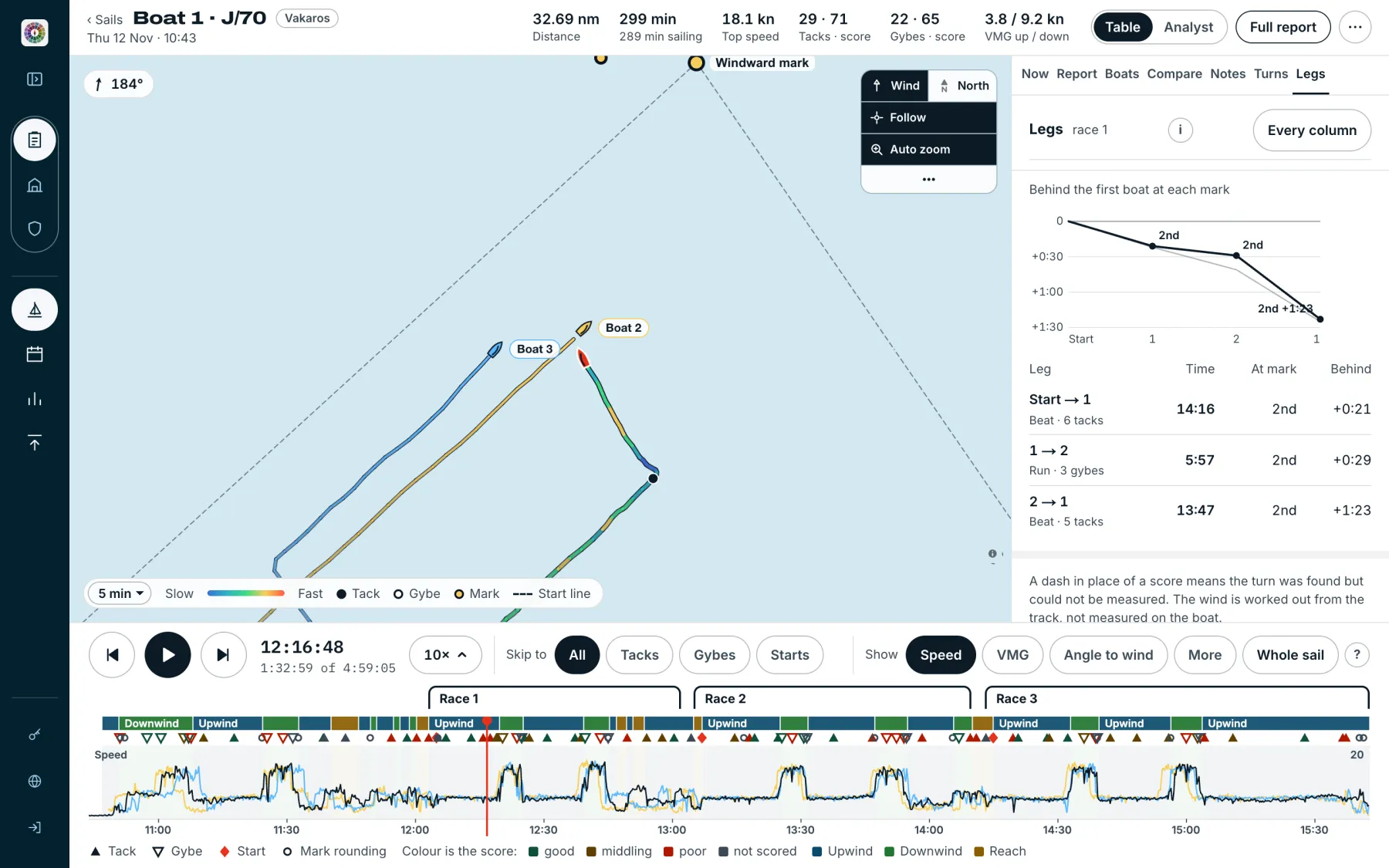
The whole race on one screen.
Every boat with its mainsail, the trail in the colours of speed. Tap a leg to open it; click a moment on the timeline to go there.
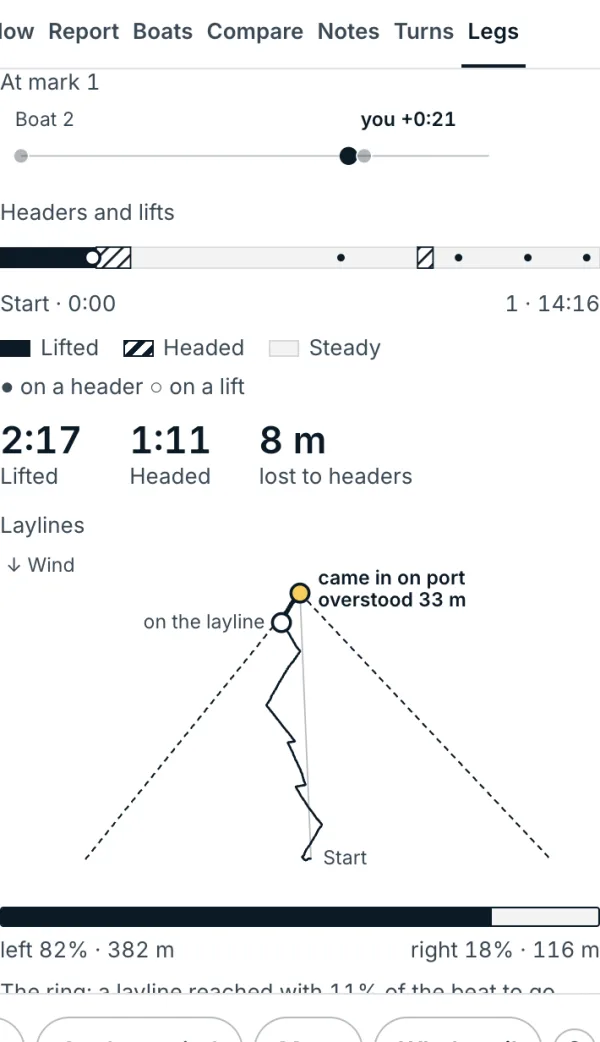
Mark to mark
Each leg’s time, your place at the mark and the gap to the first boat. Open a beat for its headers and lifts, and how far you overstood the layline.
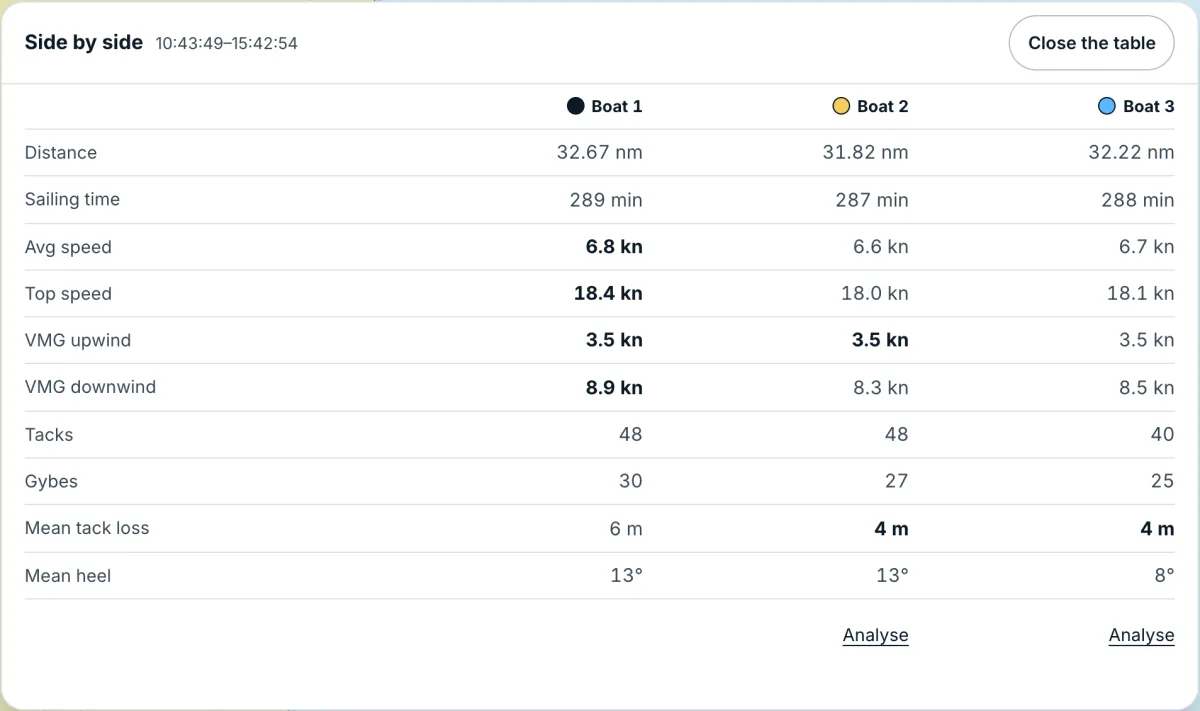
Side by side
Distance, speed, upwind and downwind VMG, tack loss, heel: the boats of the same race in one table.

The timeline
Starts, tacks, gybes and mark roundings on one line, each in the colour of its score. Click one to go there.
Real screens: a J/70 race day on 12 November 2026, three boats’ Vakaros logs. Boat names hidden. Calculated from GPS, an estimate.
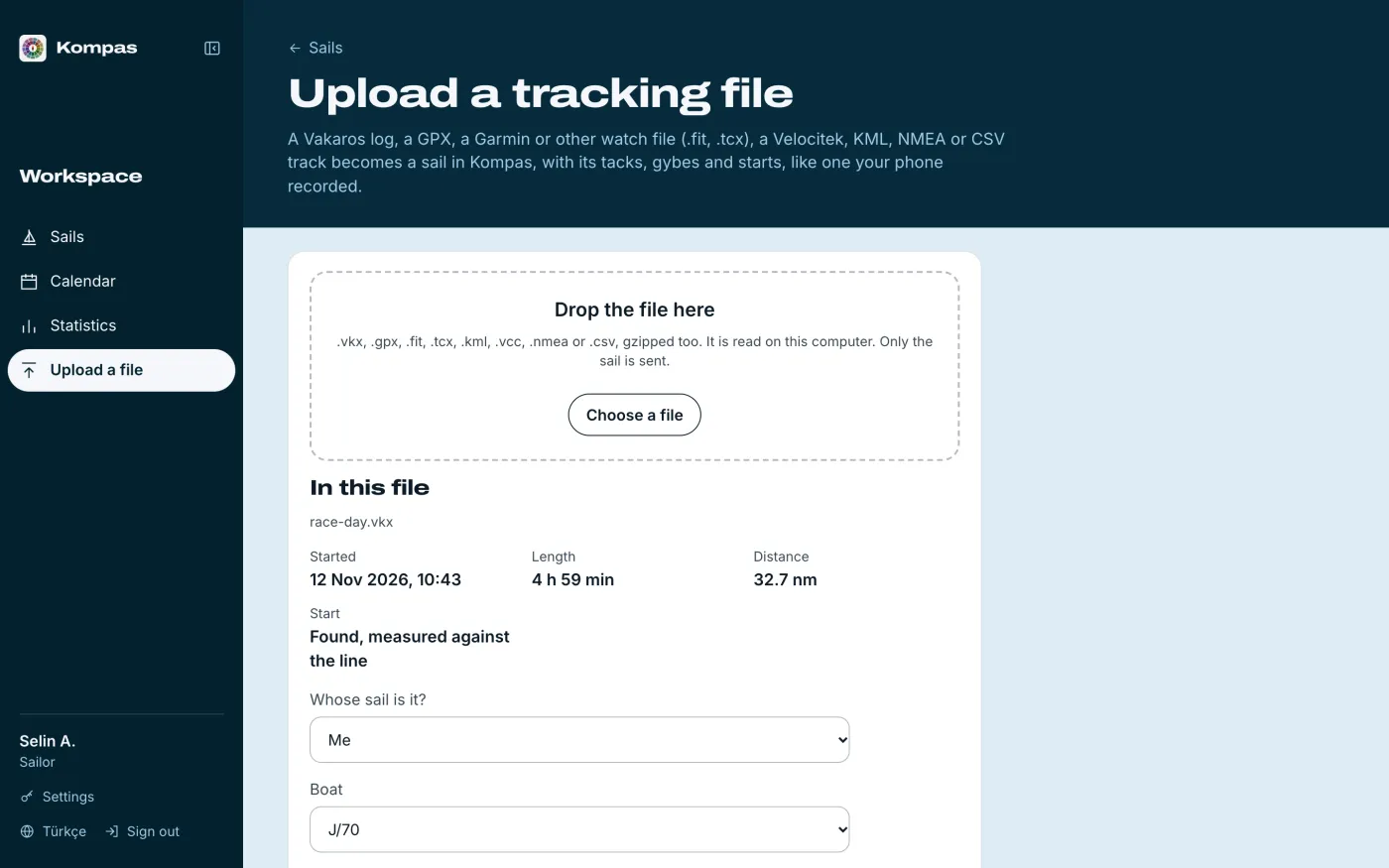
Upload a file. Read your race.
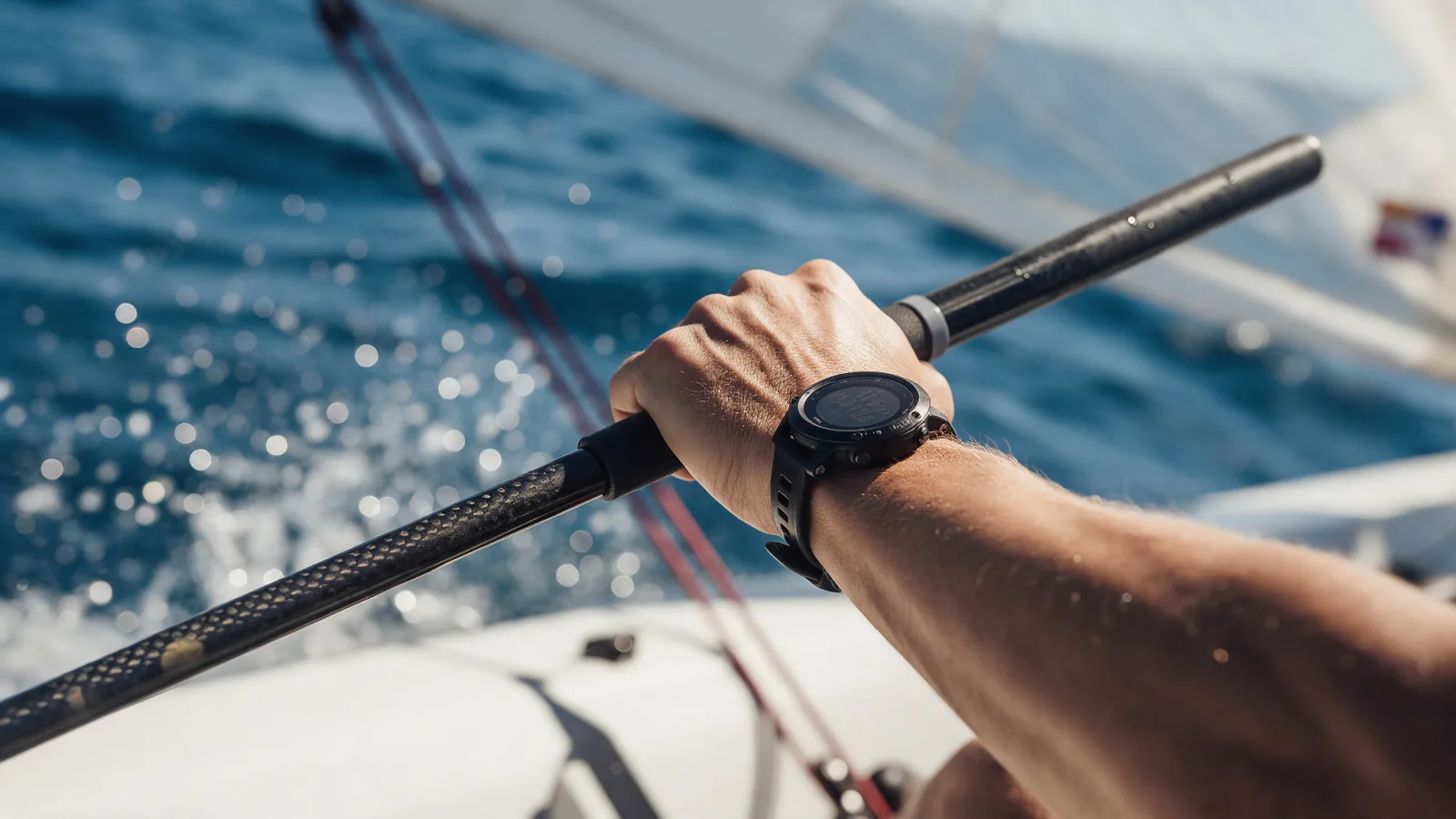
Whatever you recorded with: Vakaros, Velocitek, Garmin or another watch, your phone. The file is read on your computer; only the sail is sent.
Files it reads
- .vkx Vakaros
- .gpx
- .fit
- .tcx
- .vcc Velocitek
- .kml
- .nmea
- .csv
- Sign in or sign upUse your Kompas account, or continue with Apple or Google.
- Drop the fileDrag it in; a gzipped file works too. Pick your boat’s class.
- Open the analysisTacks, gybes, the start and the legs, ready. Compare with the boats of the same race.
Kompas in a minute and a half.
The wheel, the display on the water, the analysis, the coach and the club: all in one film.
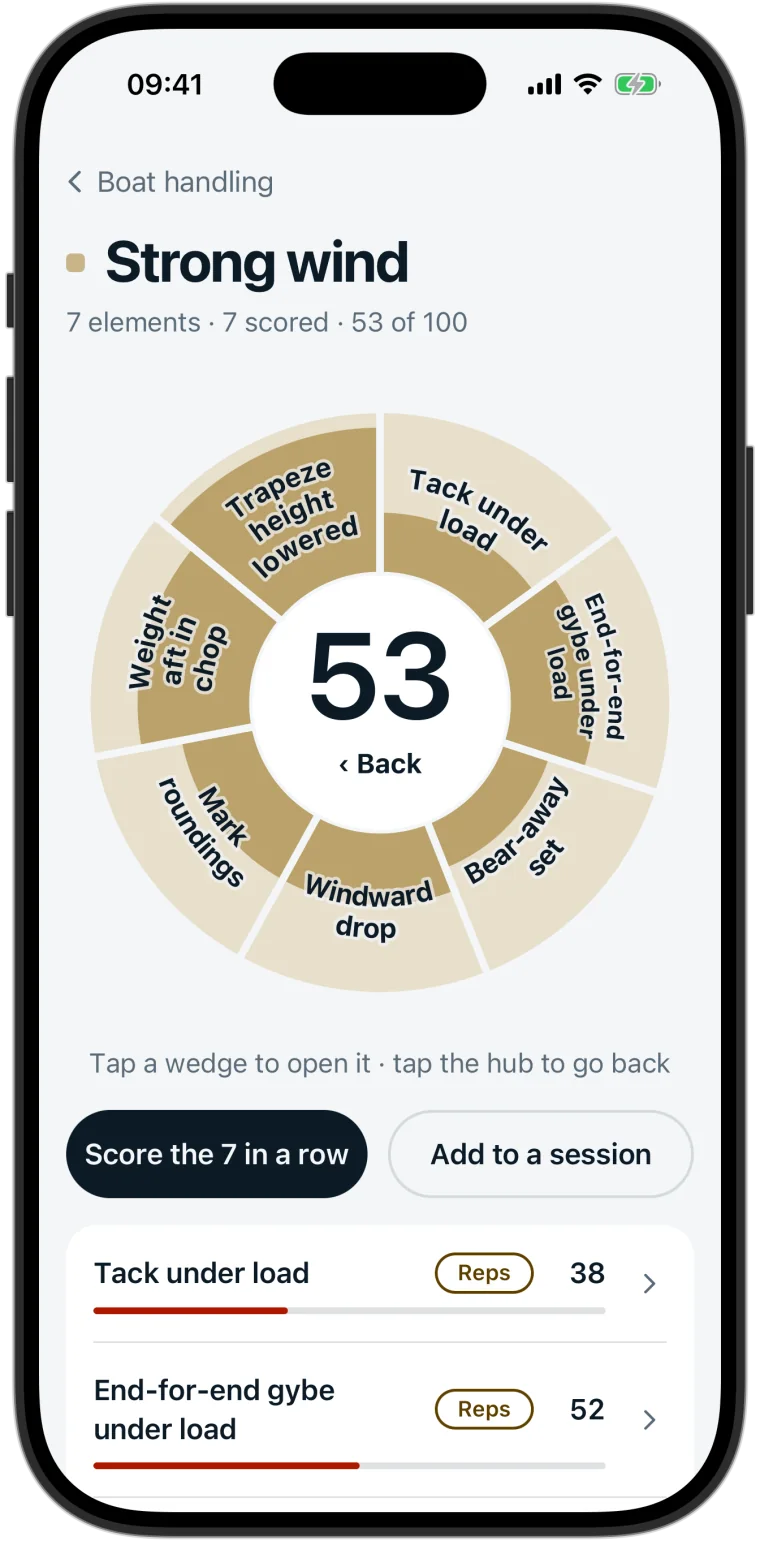
The wheel shows your progress in sailing at a glance.
13 areas, the headings Olympic sailors work on. The wheel answers in one number: how much you’ve moved this month, and which area moved most.
Up 17 this month
Most improvedTactics 46 → 69
See what’s missing.Sharpen your goal.Move forward step by step.
Sample data.
Tap an area to bring it forward on the wheel.
Two questions for every skill.
The wheel shows whether a skill is held back by technique or by reps. Try it: these are the 420’s own words for this gybe.
Same skill, four different winds.
A gybe you do well in 8 knots and struggle with in 20 doesn’t get lost in an average. Kompas scores each one separately.
- Light
- Medium
- Strong
- Survival
Built for your boat.
Each class has its own skills, written for that boat.
- Optimist
- RS Feva
- 420
- 470
- 29er
- ILCA
- J/70
End-for-end gybe under load
420 · Handling · Strong wind
When it works, how good is it?
How many of the last 10 came off?
6 of the last 10

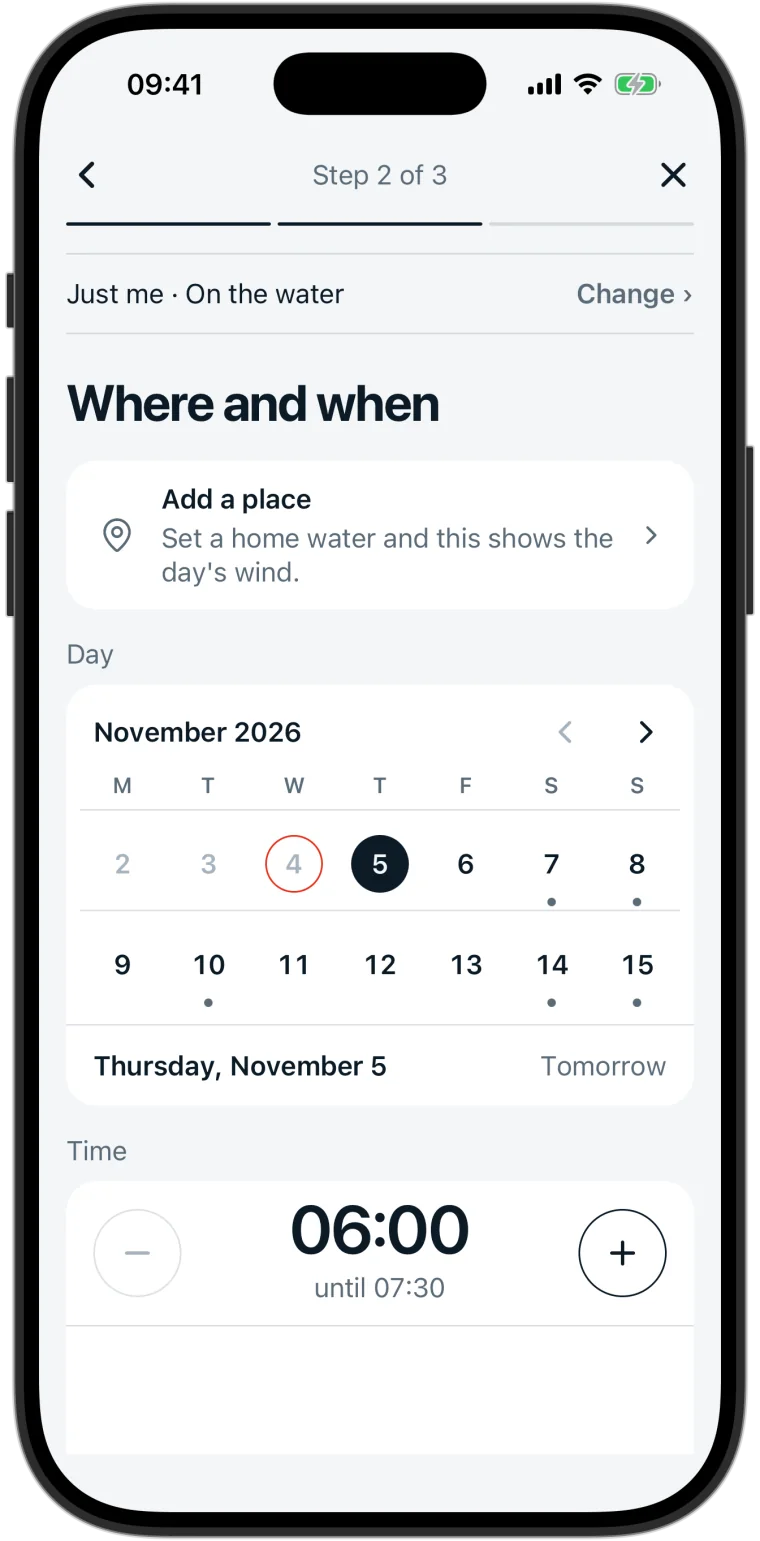
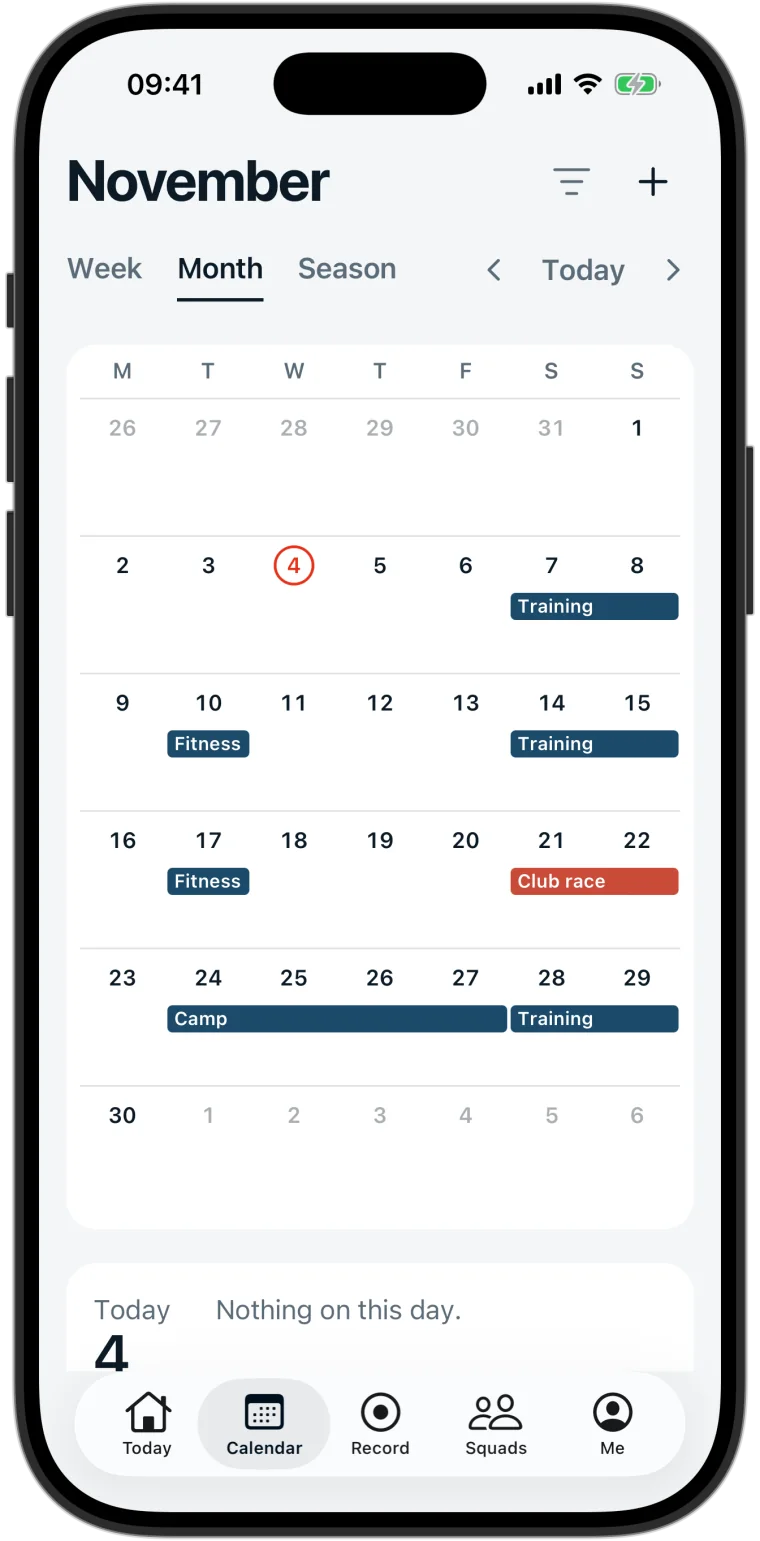
Plan your session.
On the water, ashore or in the gym. Plan your session ahead and start the day ready.
Real screens, sample data.
Day. Dark. Red.
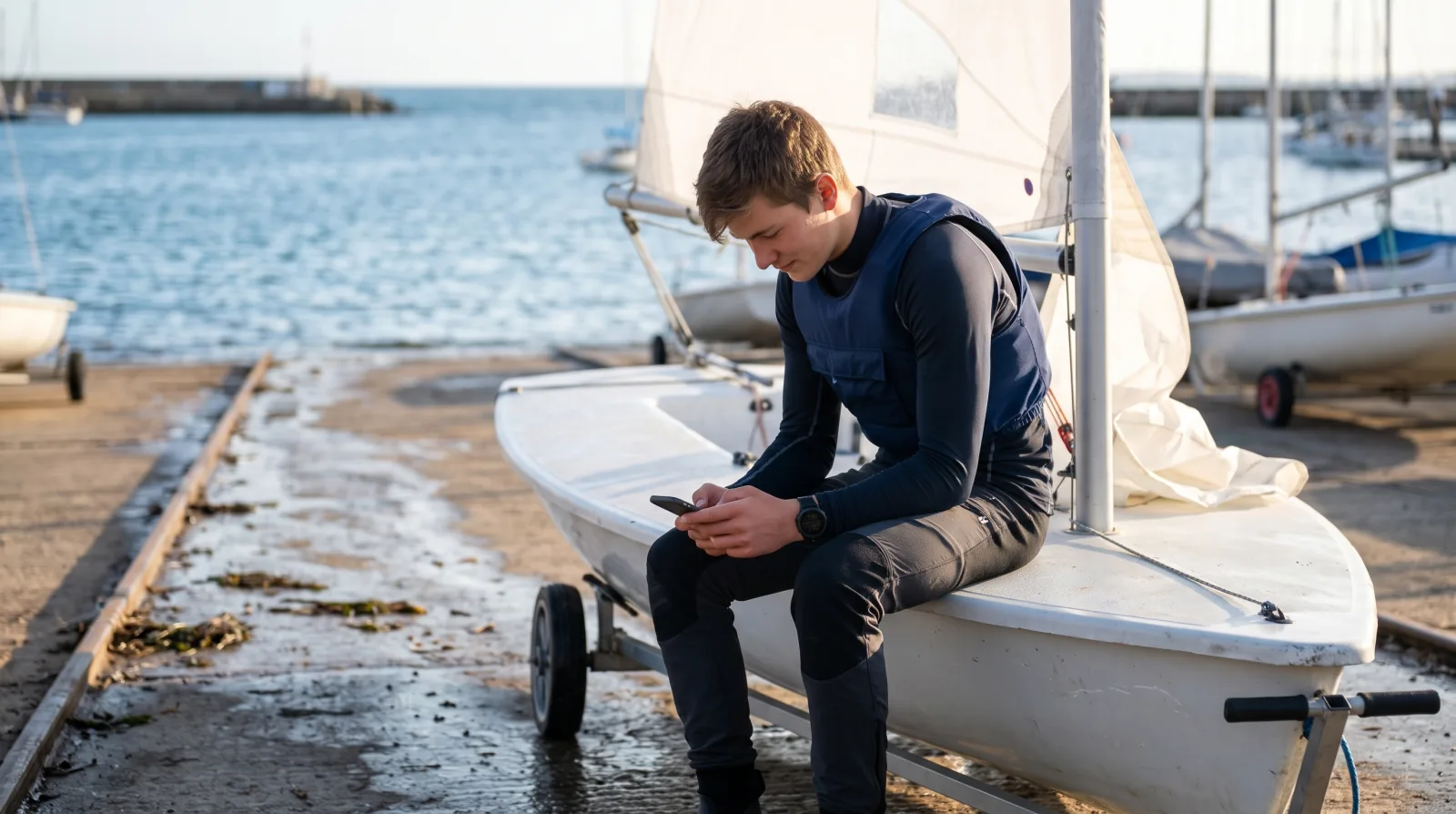
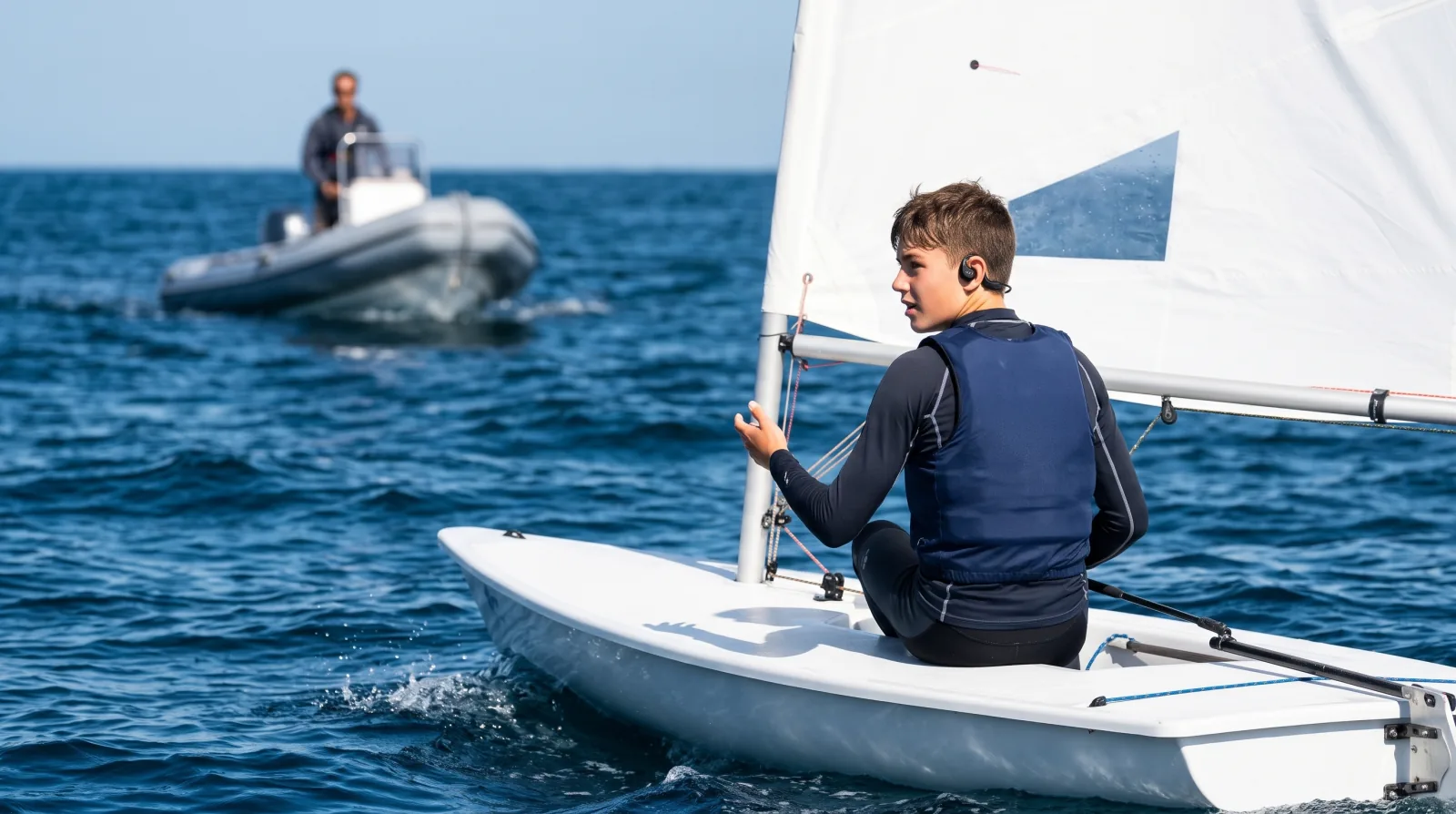
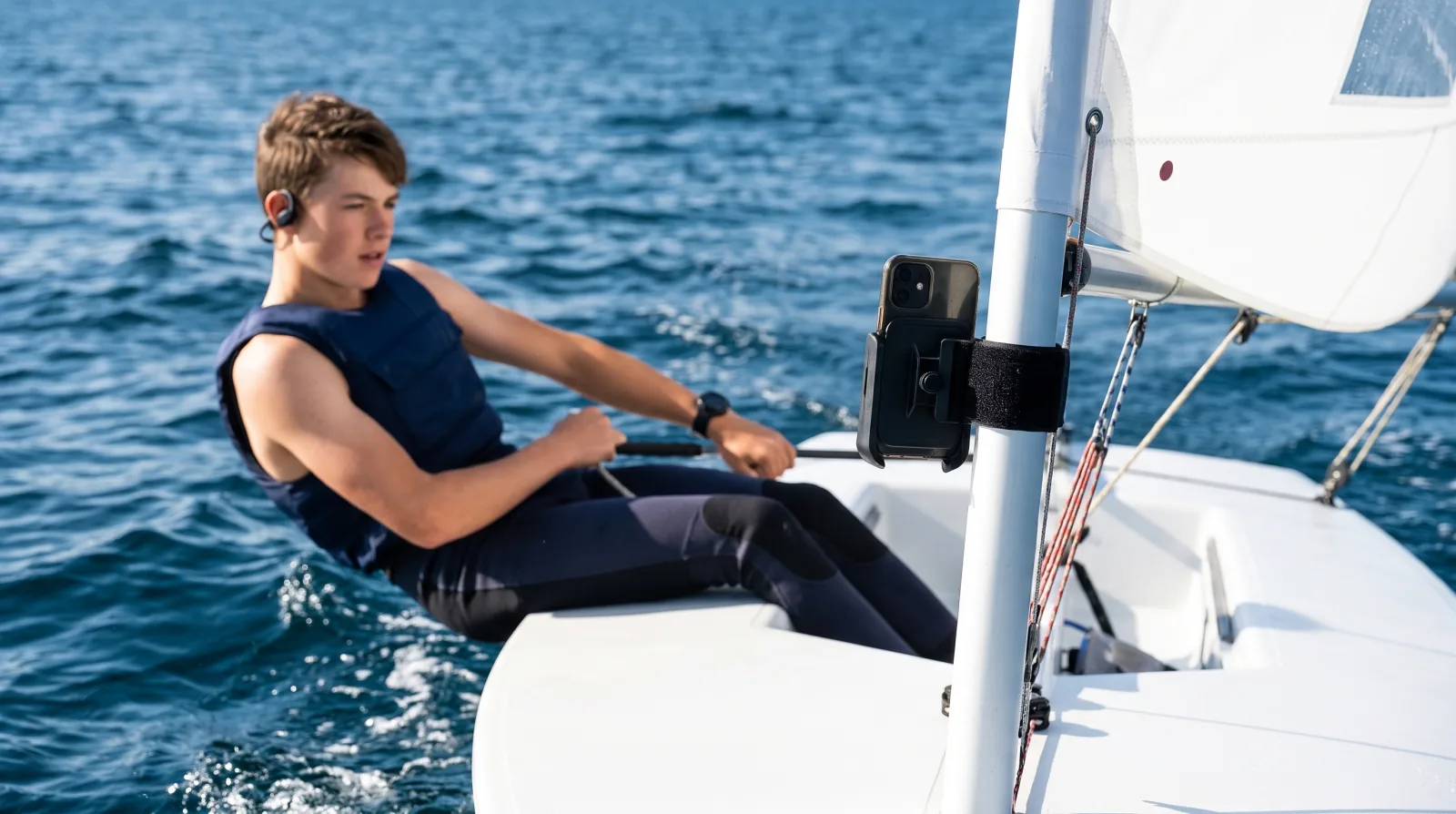
Keep your eyes off the numbers on the water. Your phone becomes an instrument you read at a glance. White by day, dark in the evening, red at night. Your coach’s calls land on the same screen.
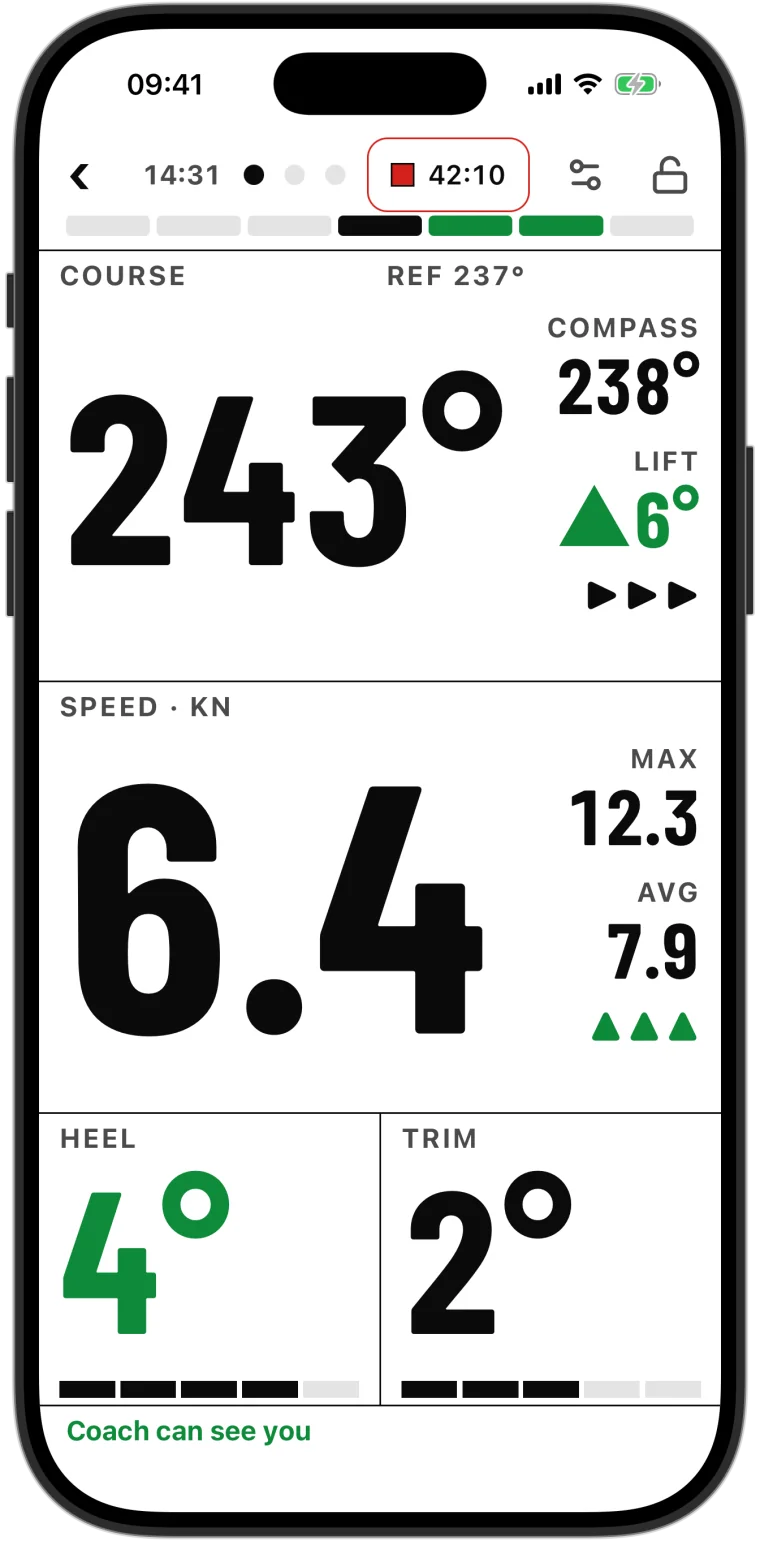
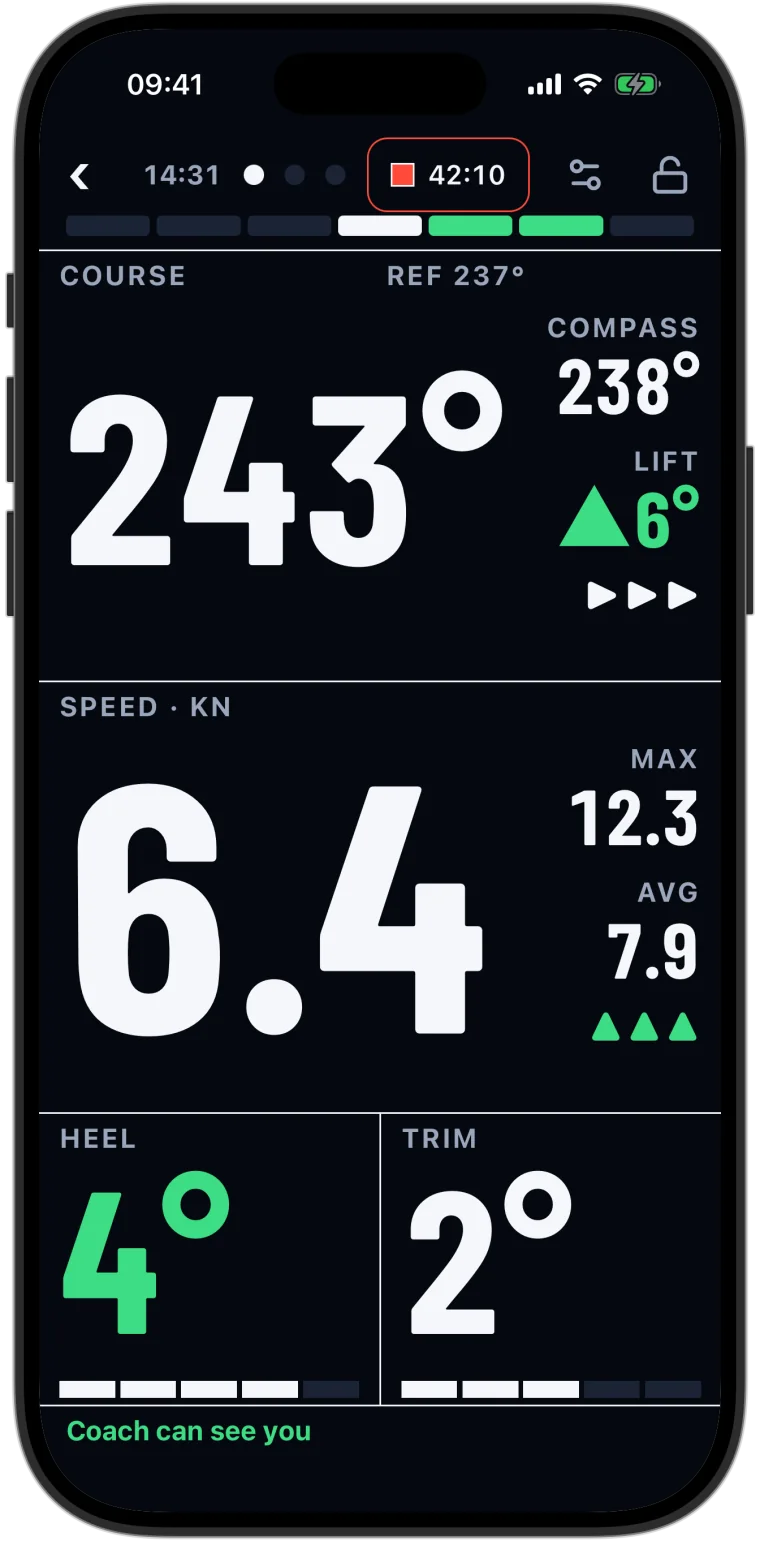
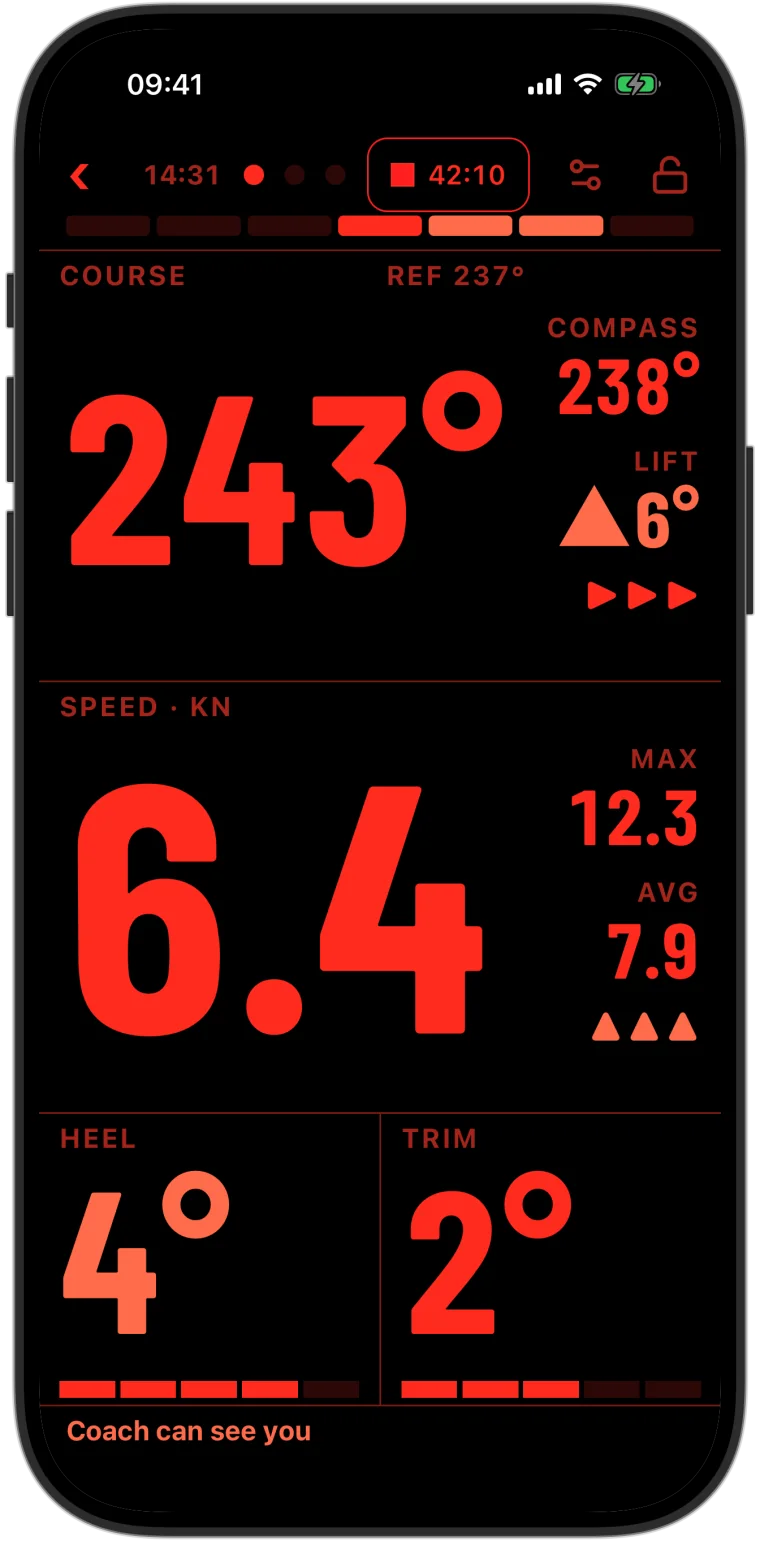
It records with the screen off. Heel and compass readings need the phone fixed to the boat. Sample data.
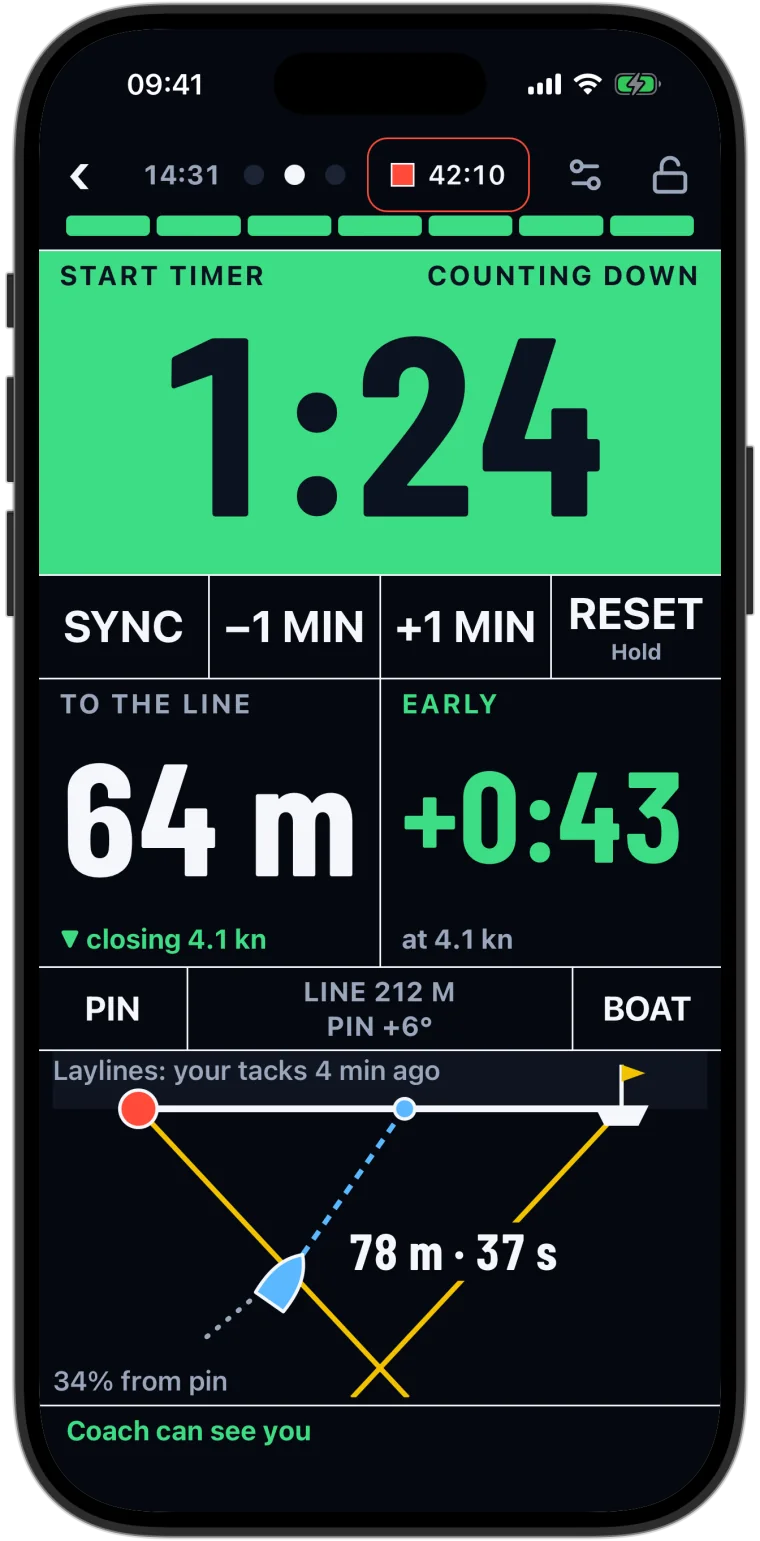
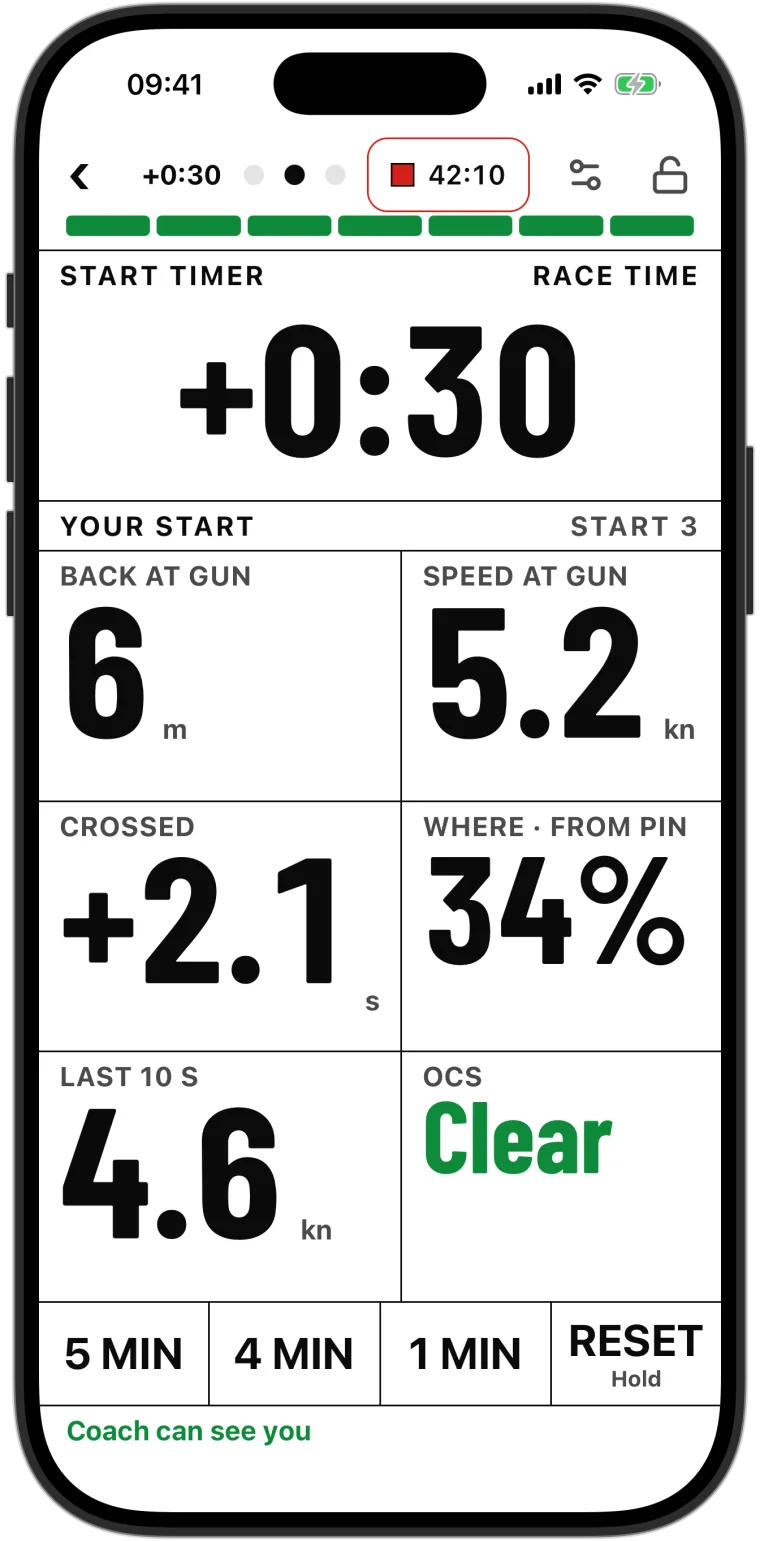
The last five minutes decide everything.
How far you are from the line, how much time you have in hand, which end you’ll start from: it’s all on screen. When the start is over, you see what happened in numbers.
Mark the line yourself or have your coach send it. The OCS call still belongs to the committee.
Analysis from the water
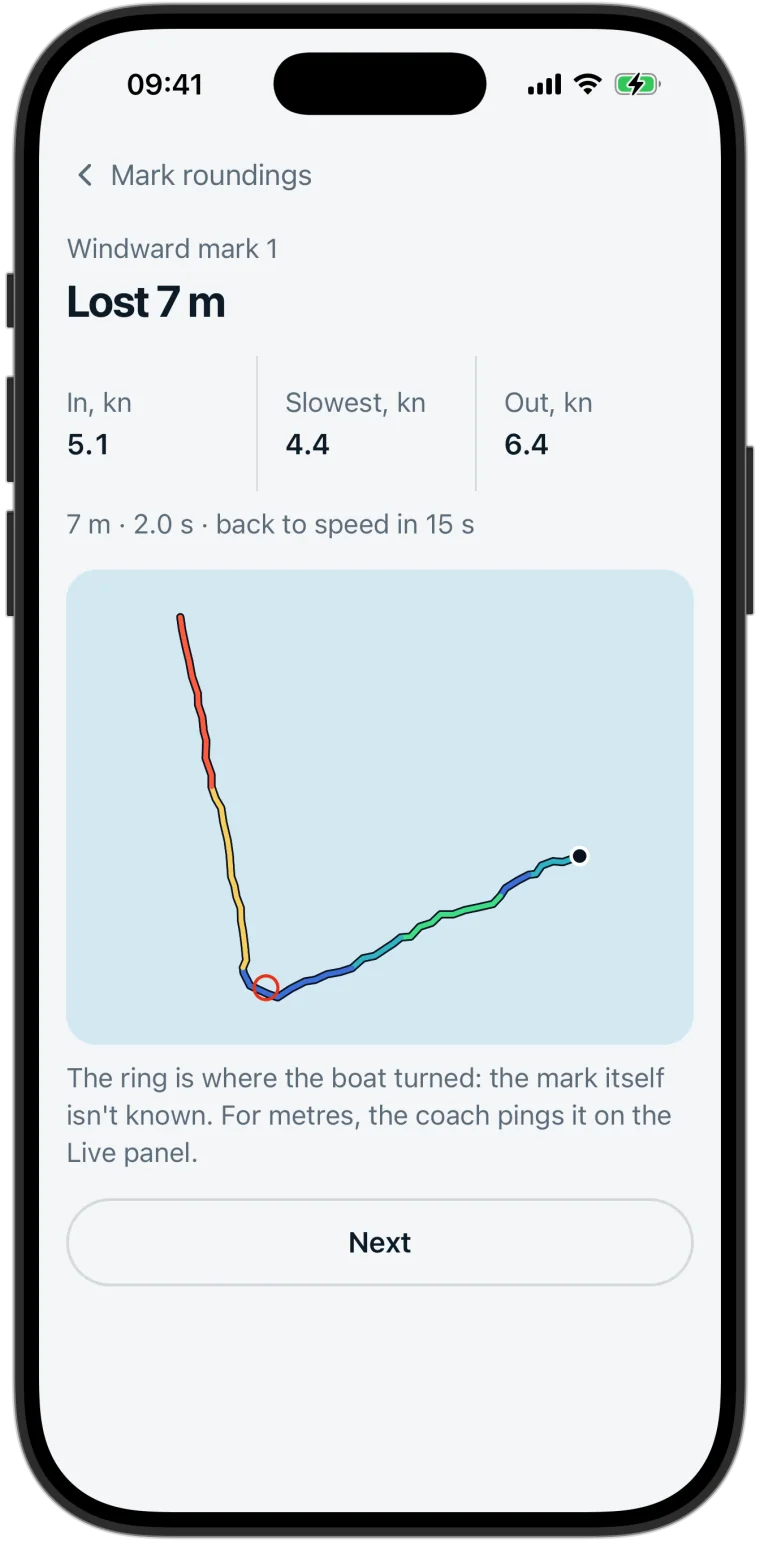
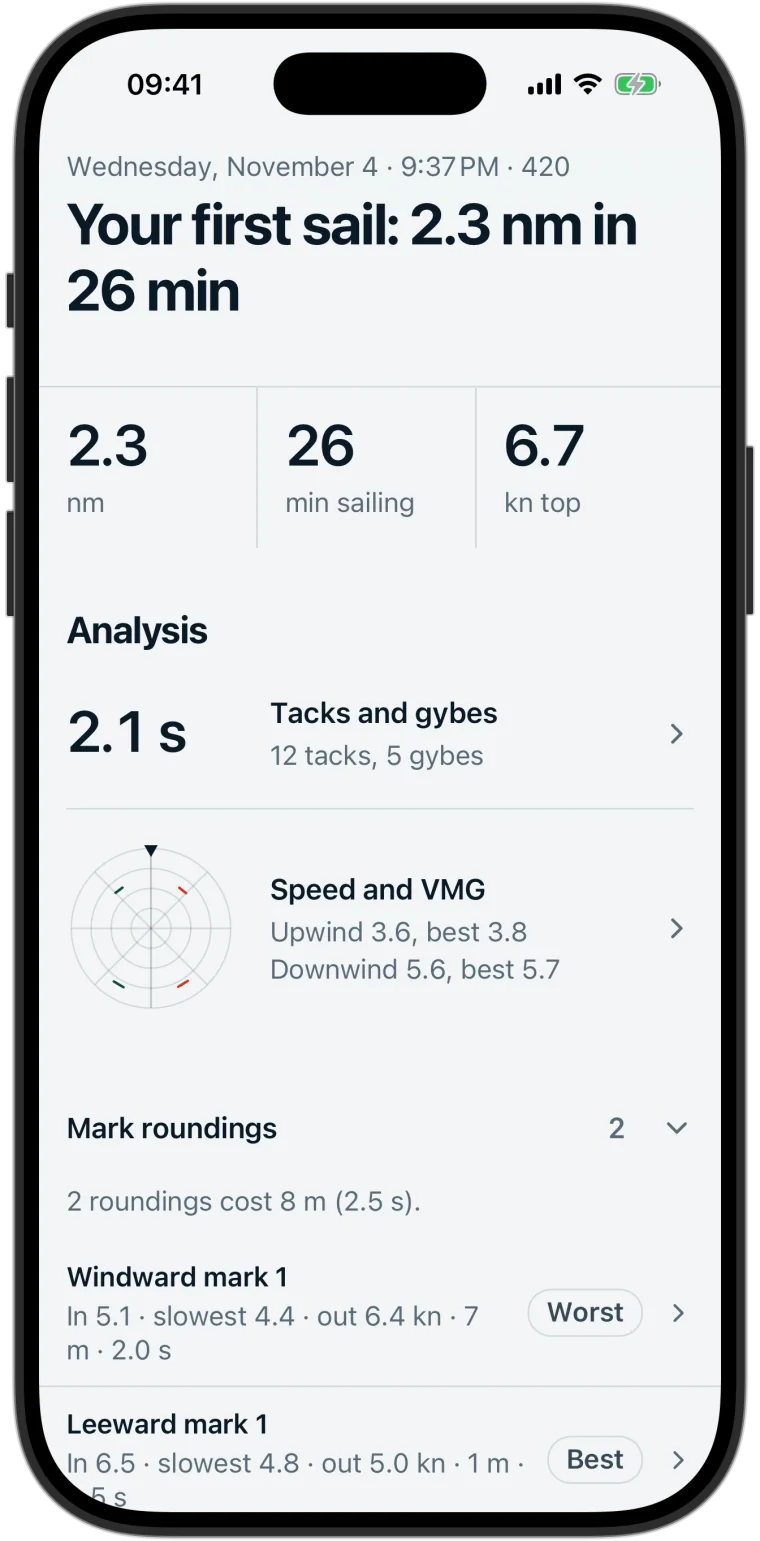
What happens on the water no longer has to stay in your head. Every session is right there on the map, in the colours of your speed.
- Starts
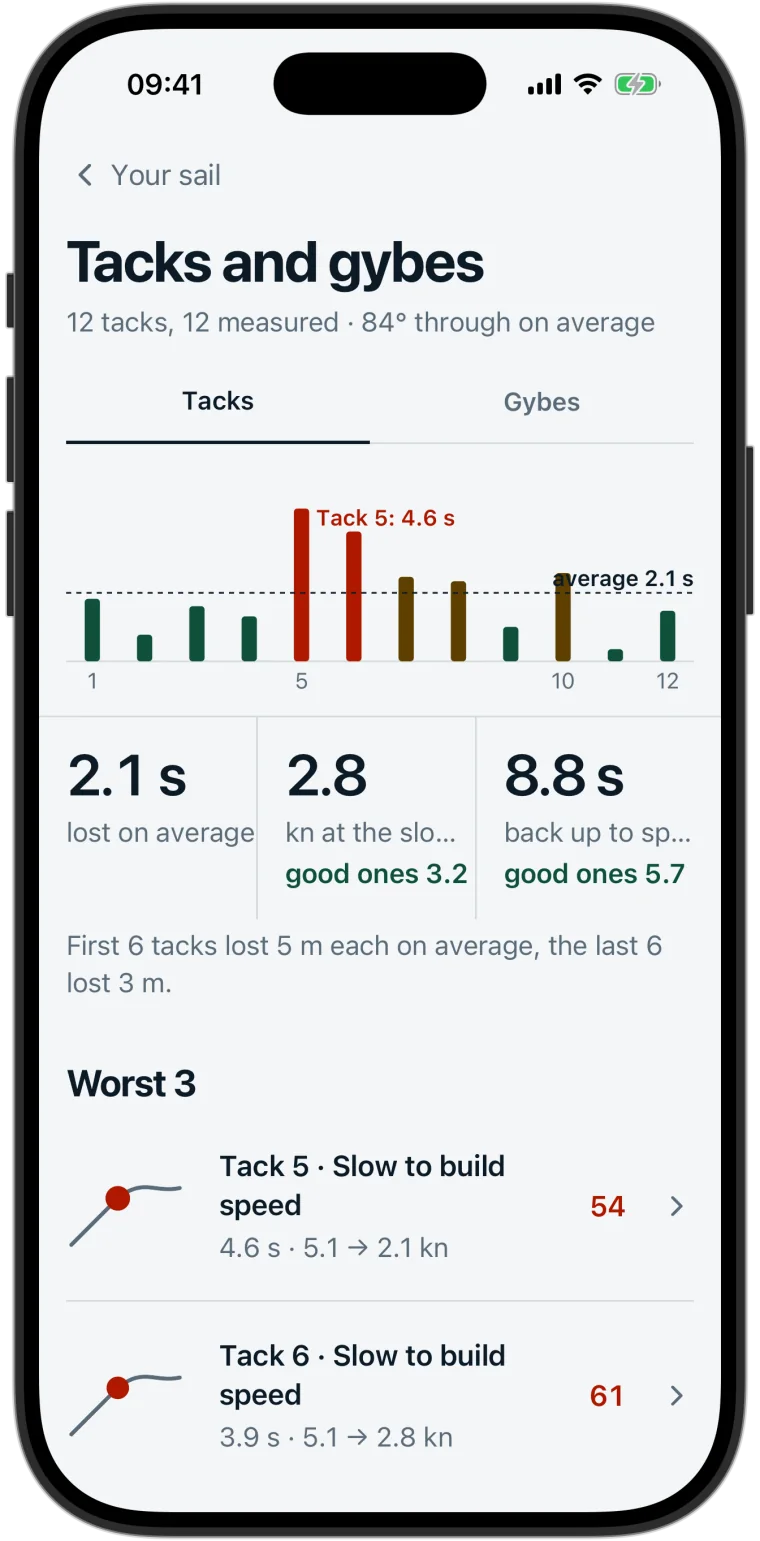
- Tacks
- Gybes
- Mark roundings
Every tack gets its own score. The score starts at 100, and every second lost takes off 10 points.
Calculated from GPS, an estimate. Sample session.

Who trains regularly? Who puts in the work? Who’s improving?
No more guessing. Calendar, session plans, notifications, scores and training logs in one place. Clubs can follow all their squads on the same platform.
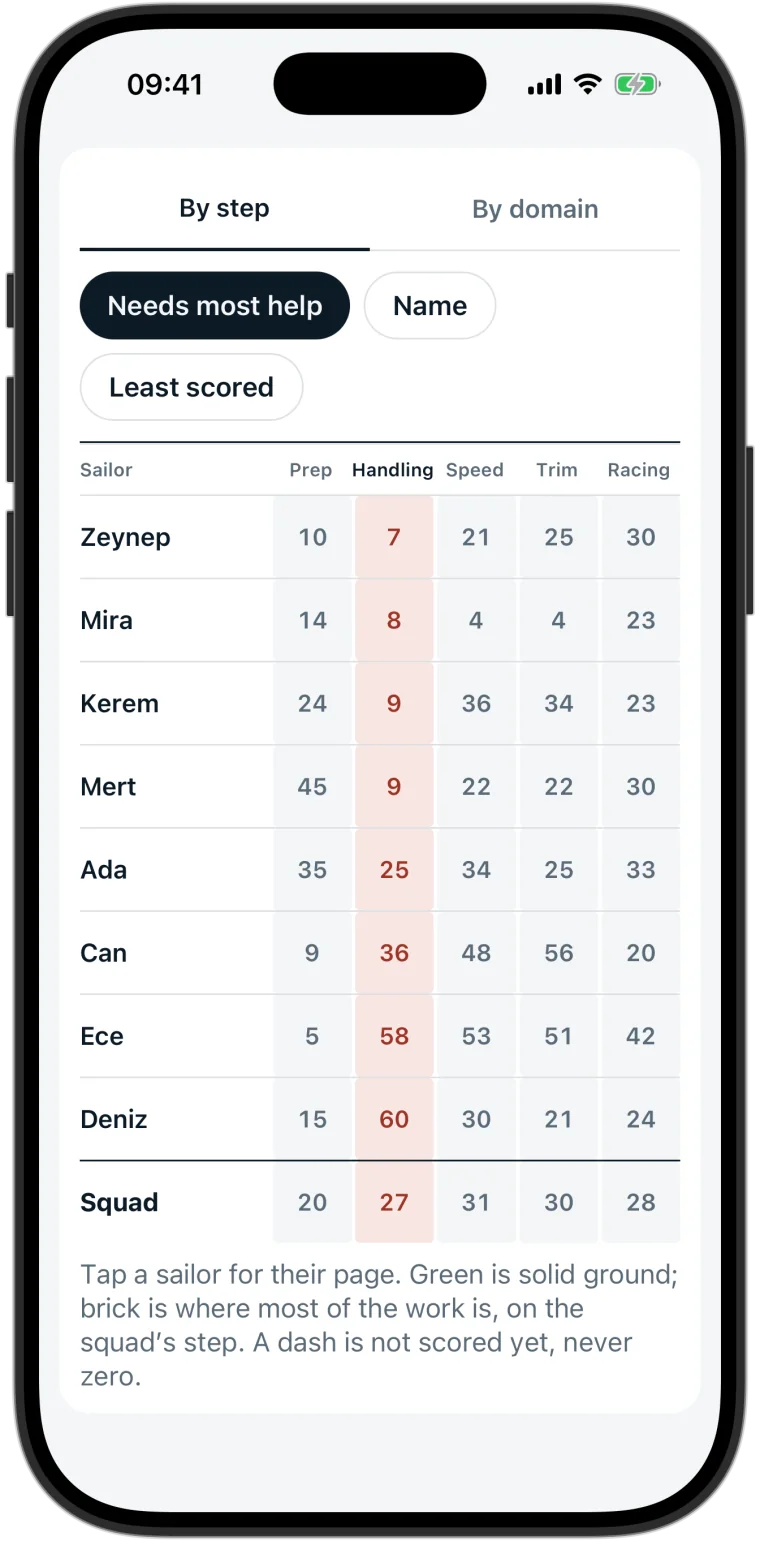
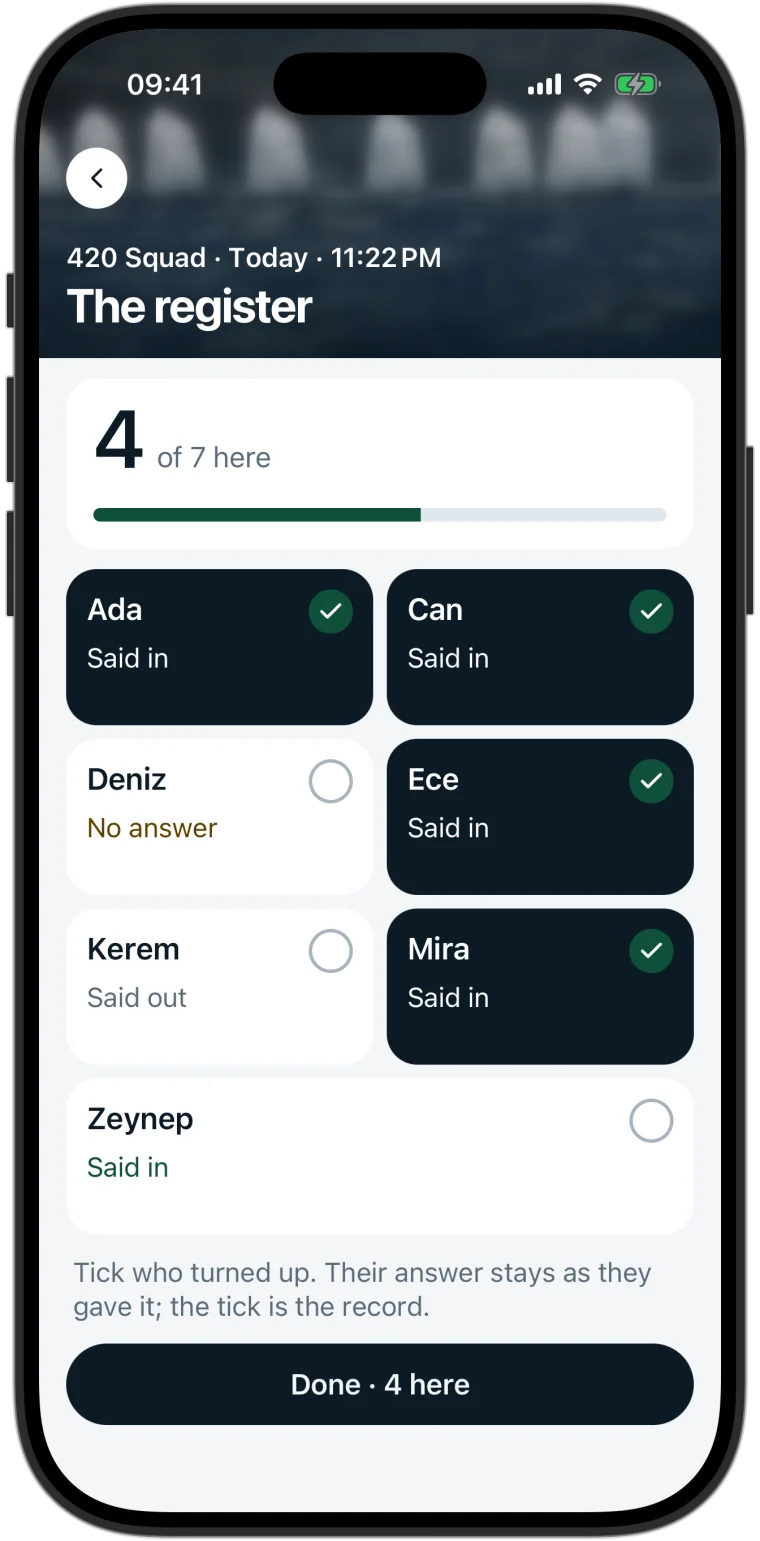
Real screens, sample data.
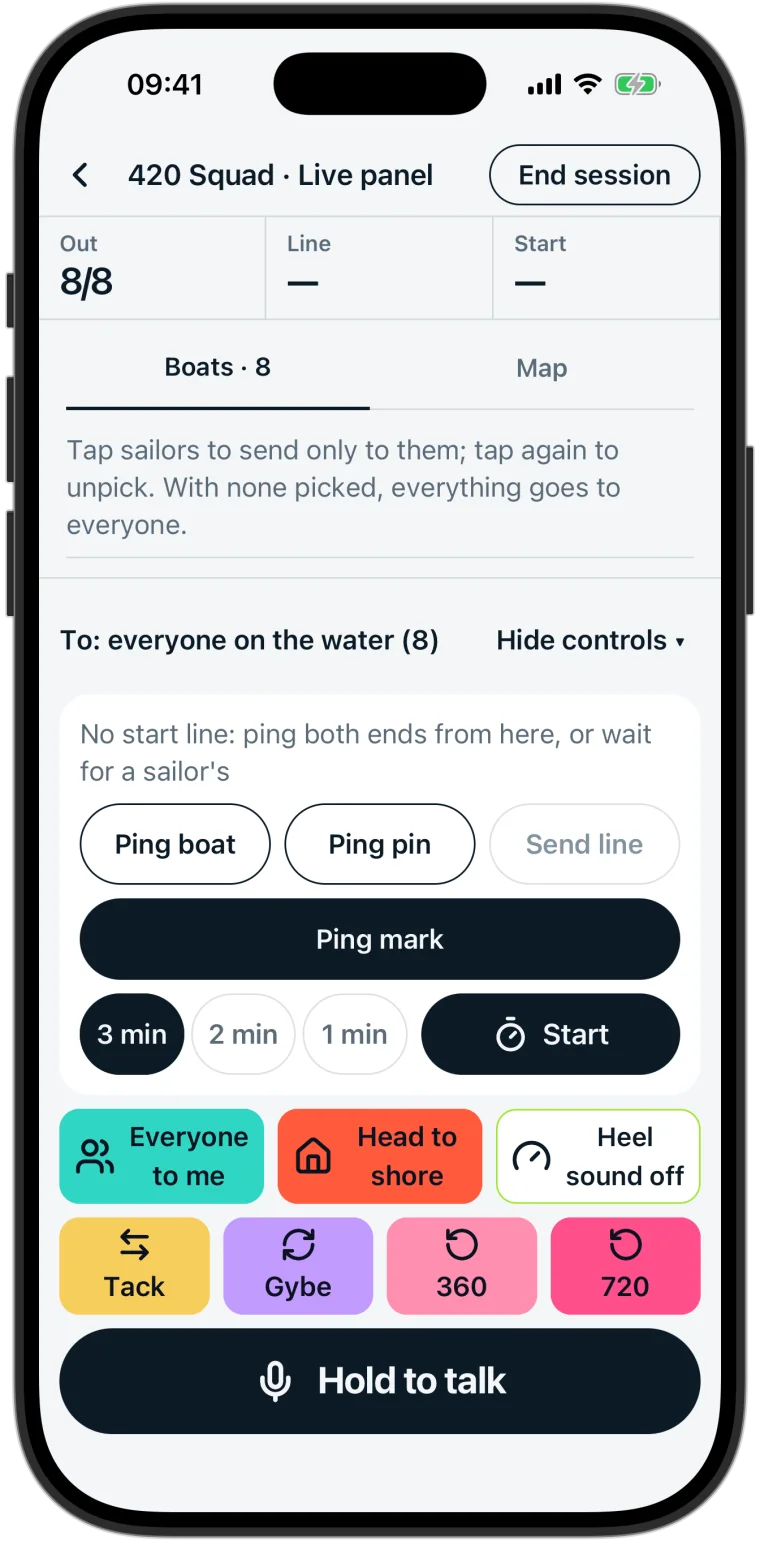
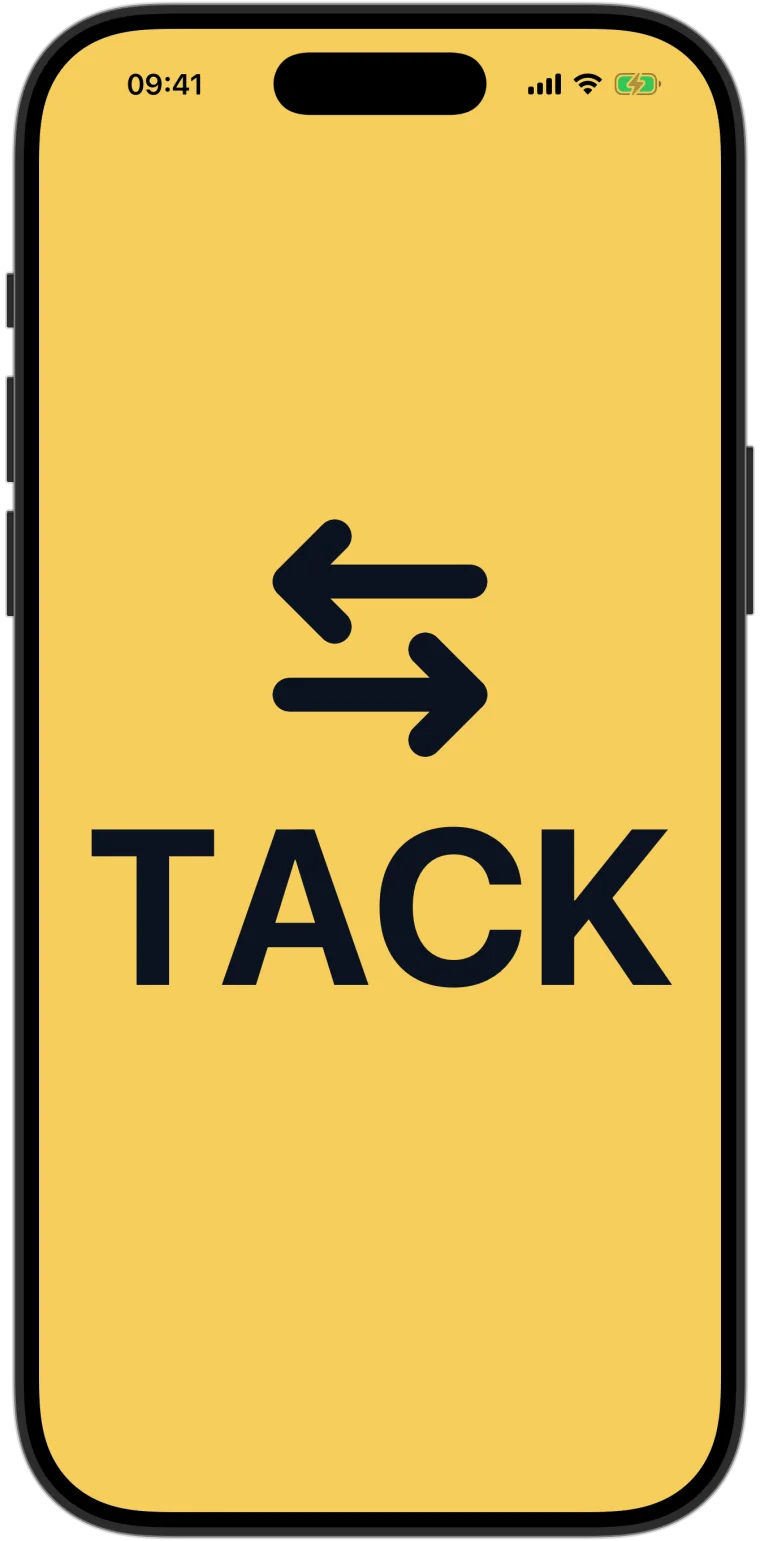
One tap to call. Hold to talk.
The whole fleet on one panel, on the water. See who is where, send the line, start the countdown.
Needs an internet connection. Kompas is not safety equipment. In an emergency, call 158 or 112 (Türkiye).
People who share a boat form a crew and fill in one wheel together.
On a double-hander or a keelboat. As a crew, you can also join a coach’s squad.

And more
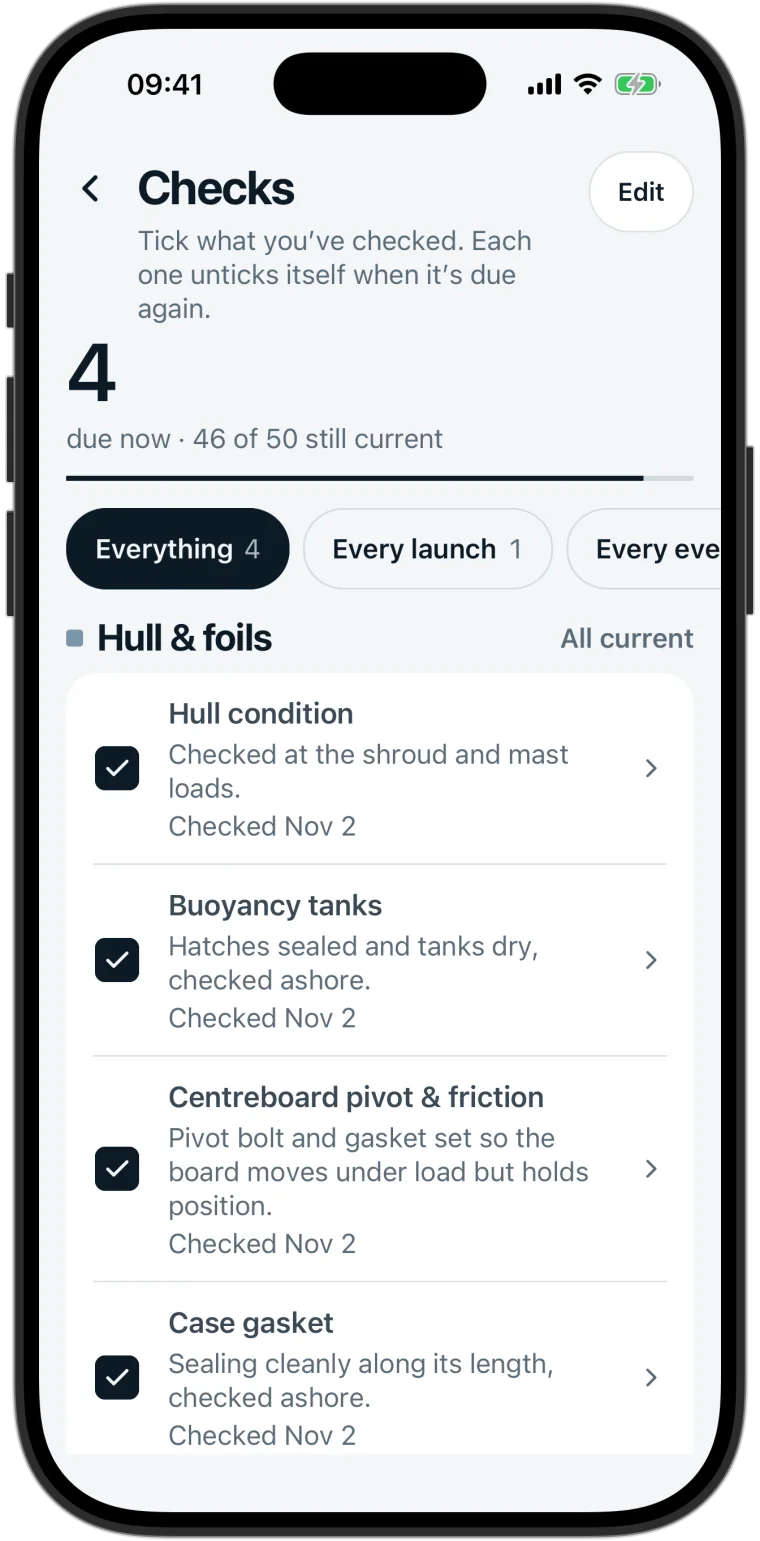
Checklists
For the boat, the season and before each event, with a reminder when one is due.
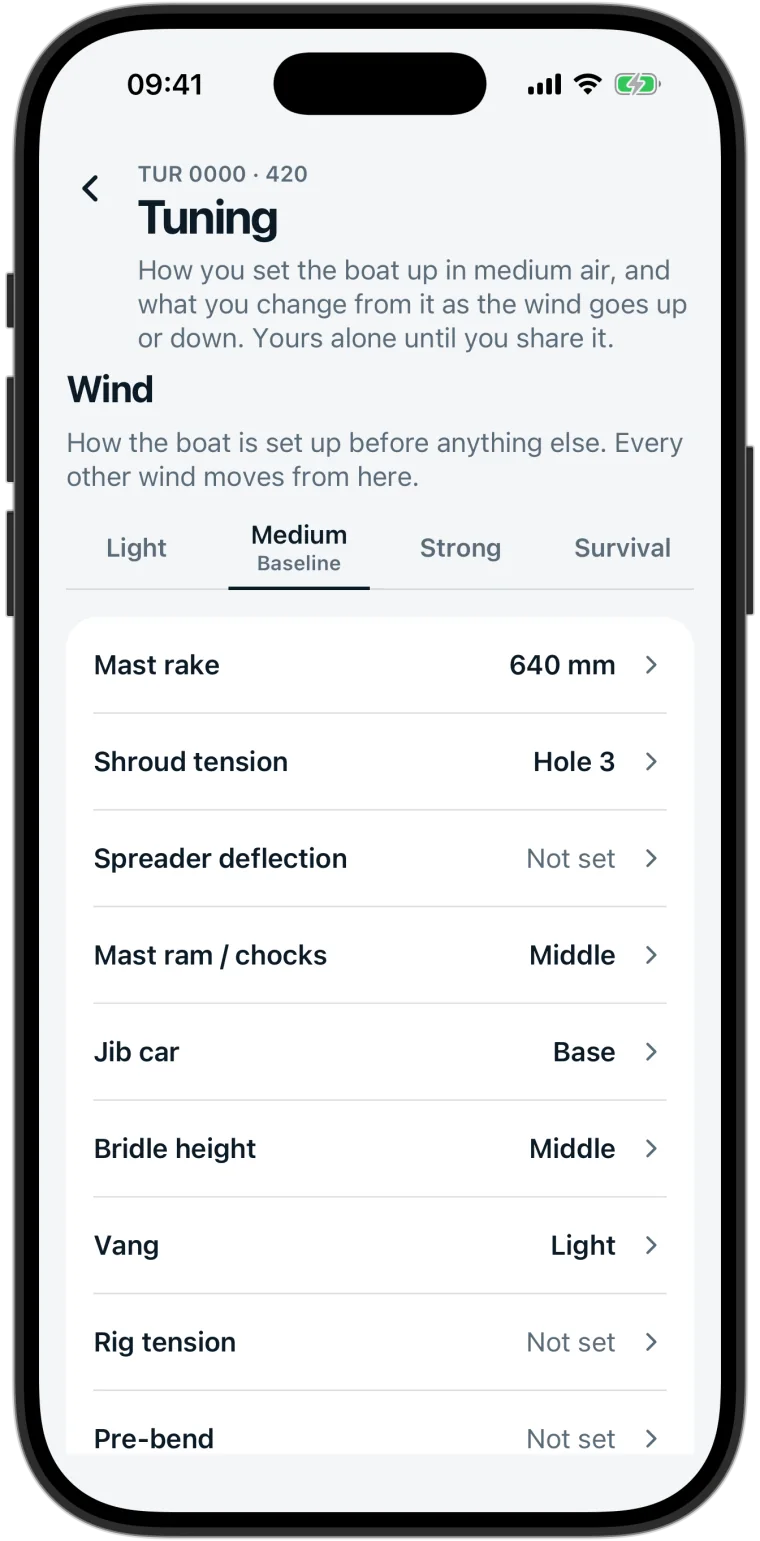
Tuning guide
Your settings for each wind, and what you change as it builds.
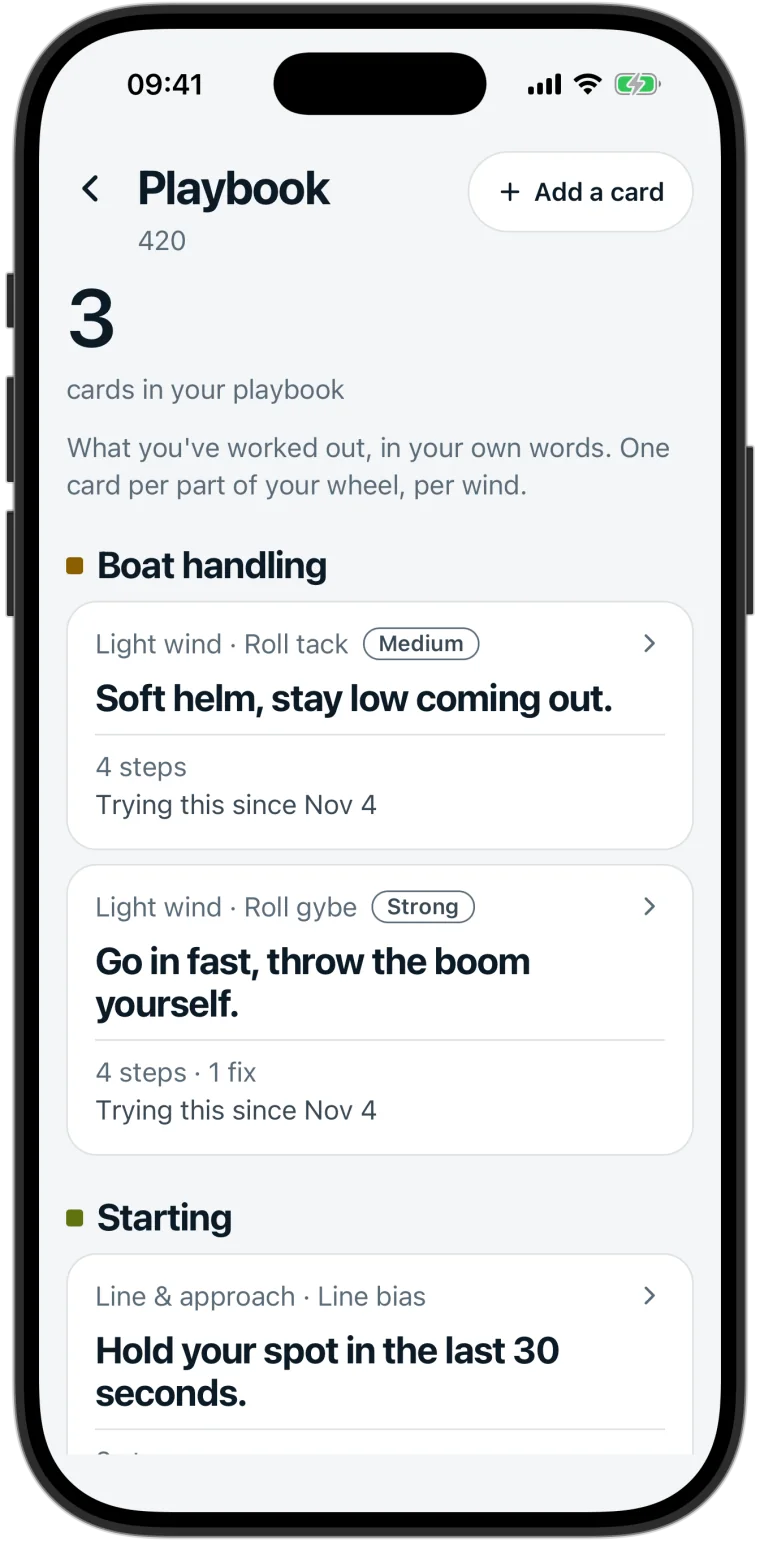
Playbook
What you’ve worked out, in your own words.
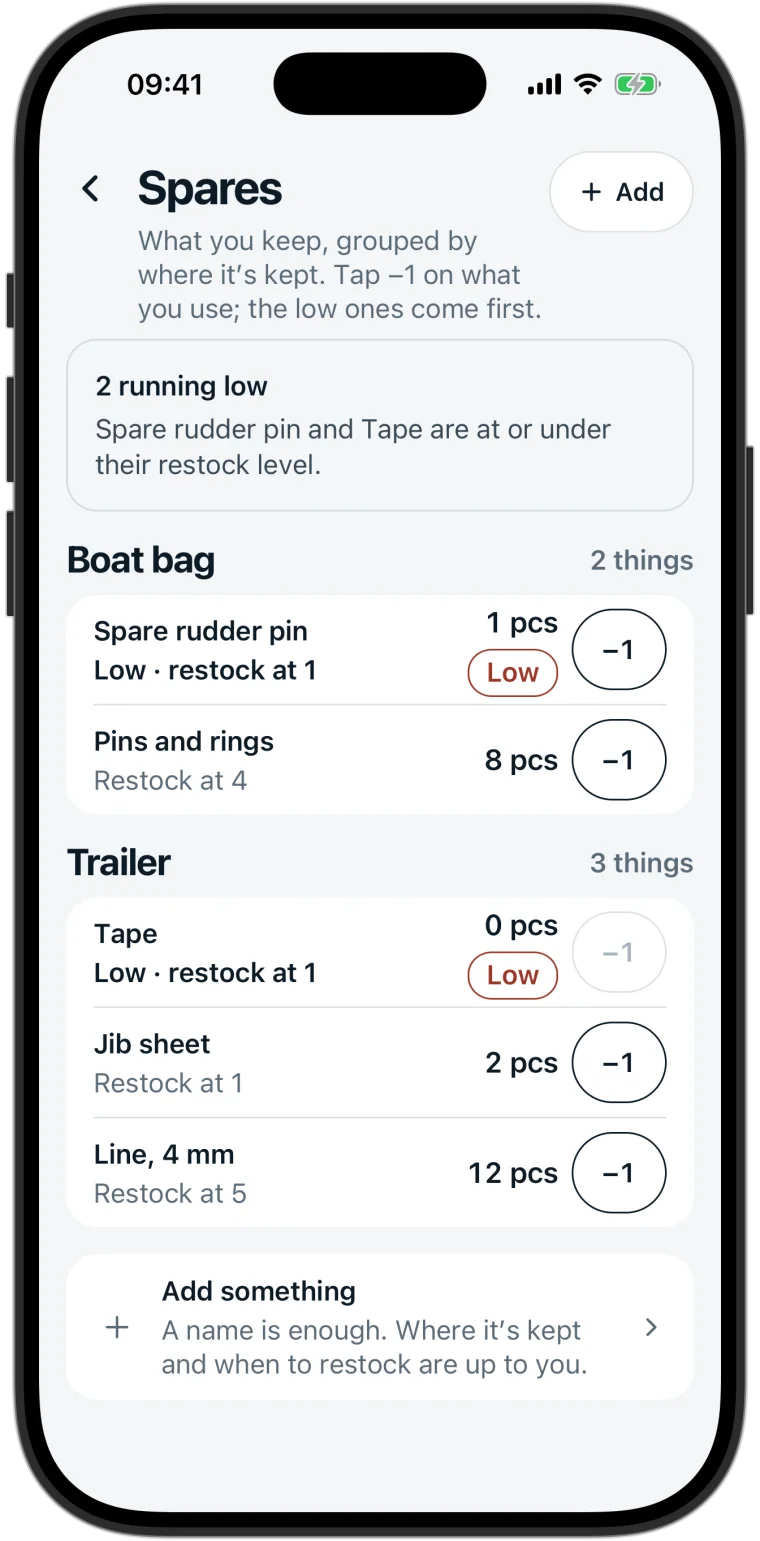
Spares
What you keep and where; the low ones come first.
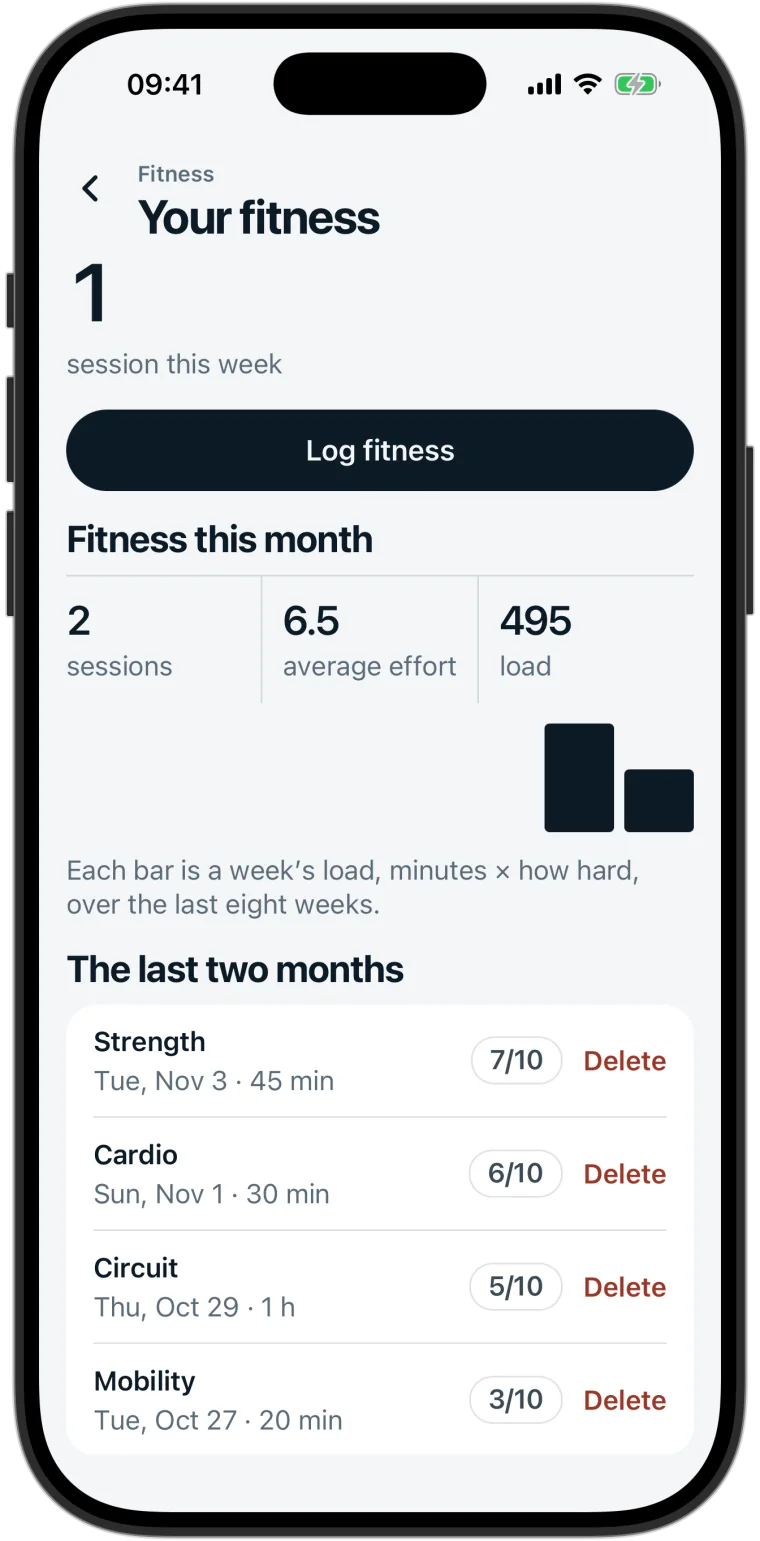
Fitness
Gym, run, bike, swim or stretching. Recorded, not scored on the wheel.
Real screens, sample data.
No ads, and no third-party trackers in the app. Your sails and scores are yours.
- Your wheel and scores are seen only by you, your crew, the coaches of squads you join and, if your squad is in a club, its sports director. The director doesn’t see your notes or tracks.
- The moment you leave a squad, its coaches lose access. The database decides that, not the app.
- While you record, your squad’s coaches see you live, and nobody else does. The live position isn’t kept; your track is saved to your account. A shared map leaves out the first and last 50 m.
- Delete your account and everything of yours on the server goes with it.
Questions, answered.
Which files can I upload?
Vakaros (.vkx), GPX, Garmin and other watches’ .fit and .tcx files, Velocitek (.vcc), KML, NMEA and CSV. Gzipped (.gz) files work too. The file is read on your computer; only the sail is sent.
What is the panel?
panel.getkompas.app is Kompas on the web. It replays your sails and races on a big screen, analyses them leg by leg and compares them with the other boats. Coaches run their squads there, and clubs all their squads. You sign in with your Kompas account.
What does it cost?
Kompas is free until 1 January 2027. You’ll be told before anything changes, and you can always see what you’ve recorded.
Do I need a watch or a GPS device?
No. The phone records the sail on its own, with the screen off, in a waterproof pouch on the boat. Heel and compass readings need the phone fixed to the boat.
Does it work without signal?
Yes. A sail records with no signal at all, and everything you do is saved on your phone first and syncs when you’re back in signal. The coach’s Live panel needs the internet.
What can my coach see?
The coaches of squads you have joined, while you are in them, see your wheel, scores, logs and sails. A coach can score you on either axis: their score goes on your wheel, and you are told. Whoever scored last counts.
Who else sees my sails?
You choose, under Who sees what. A sail you share goes without the first and last 50 m of its map, with its headline and three numbers. Your wheel, scores and coach notes are never part of it.
How does a crew work?
Anyone can start a crew. You score one shared wheel together on one phone, and each person has their place on the boat. A crew can join a coach’s squad.
Which boats is it for?
Optimist, RS Feva, 420, 470, 29er, ILCA and J/70. Every class has its own skills, written for that boat, so classes are added one at a time.
How do I sign in?
With Apple, Google or your email address.
Can I delete my account?
Yes, in the app. Everything of yours on the server goes with it. How to delete your account
Kompas lets you follow your progress in sailing.
Free until 1 January 2027. iPhone · Android · English and Türkçe · Works offline